
PlatePhoto
PlatePhoto uses AI to turn restaurant phone photos into menu and delivery images, with reusable styles and prompt-based food photo editing.
Visit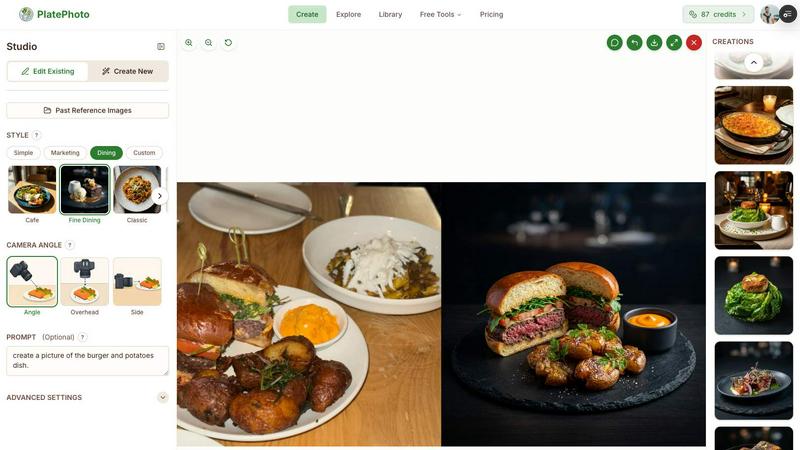
About PlatePhoto
PlatePhoto offers a lightweight way to produce styled food images from an existing photo. A restaurant can upload a phone shot, choose a look such as Fine Dining or Delivery App, and generate an image for its menu or listings. Text prompts provide another editing route for changes such as brighter lighting or added garnishes. Businesses can also import photos from their website or Google Maps instead of downloading them first.
The service may suit small operators that update dishes often and want a repeatable image style. It is less of a traditional shoot workflow: the source is an uploaded or imported image, which the AI transforms. For commercial publication, the paid plans include commercial rights. The free tier is useful for trying the workflow, but its images are for personal use and can be used by PlatePhoto for marketing.
Features of PlatePhoto
- Uses uploaded or imported food photos as source images.
- Provides styles for menus, delivery and other food imagery.
- Accepts text prompts for image adjustments.
- Lets users select a consistent visual treatment across a menu.
Use Cases of PlatePhoto
- Create food visuals for frequently updated menus.
- Prepare images for restaurant delivery profiles.
- Rework photos already on a website or Maps listing.
- Maintain a coherent style across food posts and menu items.
Frequently Asked Questions
Can I use it to update photos already online?
Yes. PlatePhoto says it can import images from a restaurant website or Google Maps listing.
What is the free tier suited for?
It includes three image credits to try generation. Free-plan images are for personal use and may be used by PlatePhoto for promotion.
How does it support a recurring menu workflow?
Users can choose a visual style and apply it across dishes, and can import existing photos as a starting point.
Similar to PlatePhoto
Berth
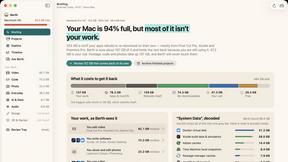
Berth explains Mac disk usage by tracing leftovers to the apps and projects that created them, with recovery costs shown before cleanup.

ViralPayouts
ViralPayouts tracks affiliate sales and recruiter overrides with usage-based fees and no monthly subscription for brands.
Toolbox for Mac
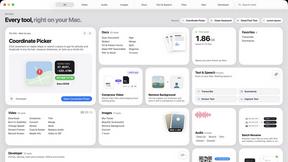
Toolbox for Mac puts 102 media, document and system utilities in one native app for Mac users who want local tools and a one-time purchase.

Safe Outreach
Safe Outreach checks LinkedIn extensions against its detection list and explains how code reviews can add context to a risk assessment.

VD6S.online
Choose a YouTube download resolution from the options available for the original video, from mobile friendly sizes up to 4K or 8K.


GTA 6 All Cheats
Review platform-specific GTA 6 cheat candidates for PS5, Xbox and PC, with phone formats and an explicit unconfirmed status.
Todowing
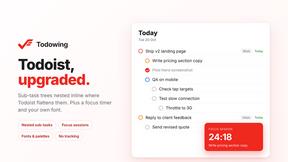
Todowing is a Chrome companion for Todoist that combines focus timers, time totals, nested subtasks and read-only Apple Calendar events.