Best Image Generation products (44+)
Discover 44+ best image generation products. Compare features, pricing, and reviews. Free and paid options available.
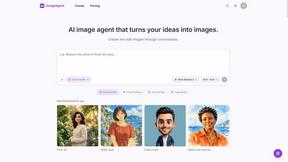
ImageAgent
ImageAgent helps you reuse images from your library for design projects, in a browser-based creative workspace.
Hop Hop Hop Dance AI
AI: 1–2 photos → 8s Hop Hop Hop squash-and-swap (pets OK).
Skull Cap Trend AI
AI: one selfie → 11s skull-cap glow-up (goofy → cold stare).
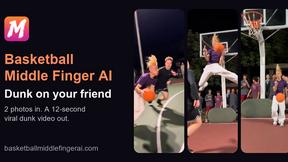
Basketball Middle Finger AI
Same dunk trend as Middle Finger Dunk AI (alt domain).
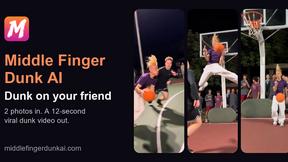
Middle Finger Dunk AI
AI: two photos → 12s middle-finger dunk 1v1 (playful).
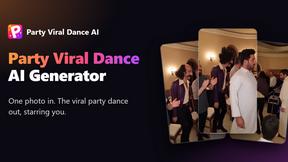
Party Viral Dance AI
AI: one photo → 12s Iraqi party “viral dance” floor clip.
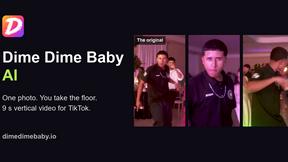
Dime Dime Baby AI
AI: one photo → 9s quinceañera “Dime Dime Baby” dance.
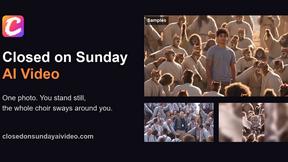
Closed on Sunday AI
AI: one photo (or pet) → 14s stand-still choir meme clip.
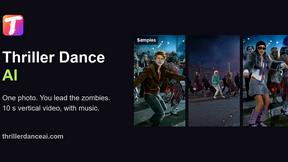
Thriller Dance AI
AI: one photo → 10s Thriller zombie-dance lead.
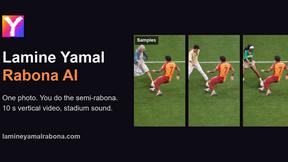
Lamine Yamal Rabona AI
AI: one photo → 10s Yamal semi-rabona / sole-drag move.
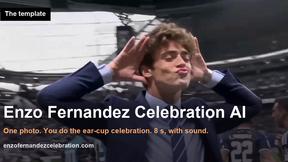
Enzo Fernandez Celebration AI
AI: one photo → 8s Enzo ear-cup stadium celebration.
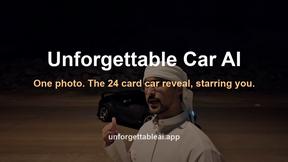
Unforgettable AI
AI: one photo → 15s “Unforgettable” 2+4 card car-reveal.
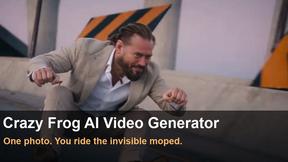
Crazy Frog AI
AI: one photo → 14s invisible-moped chase (Crazy Frog vibe).
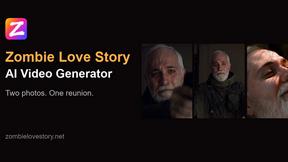
Zombie Love Story
AI: two photos → 24s zombie love short (gun → hug → field).
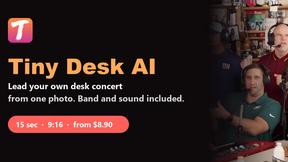
Tiny Desk AI
AI: one photo → ~15s Tiny Desk–style desk concert lead.
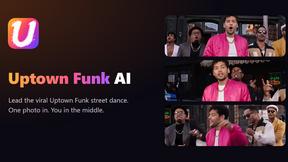
Uptown Funk AI
AI: one photo → ~12s Uptown Funk street-crew lead.
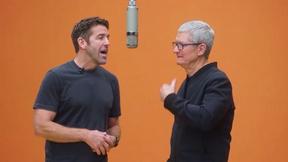
Hotel Lobby AI
AI: two photos → orange-booth Hotel Lobby rap duet.
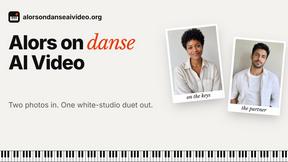
Alors on Danse AI
AI: two photos → 20–30s Alors on Danse keyboard duet.
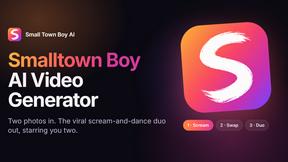
Smalltown Boy AI
AI: two photos → ~24s Smalltown Boy duo scream + dance.
Ozil Goal
Same Ozil Goal AI product on an alternate domain.
Ozil Goal AI
AI: one photo → 15s Ozil-style viral goal (dive / bounce / slide).
Bulin 47 AI
AI: one photo → 19s Bulin 47 street freestyle (Madrid scene).
Burning Bridges AI
AI: one photo → ~29s Drake “Burning Bridges” party lead clip.
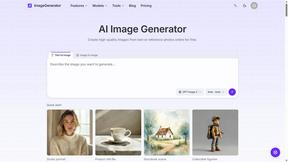
ImageGenerator
Create and edit AI images online with multiple models, text-to-image, image-to-image, background removal, and upscaling.
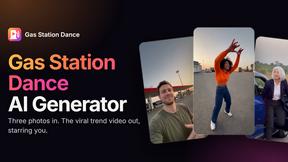
Gas Station Dance
AI generator that turns 3 photos into a viral gas-station dance video.
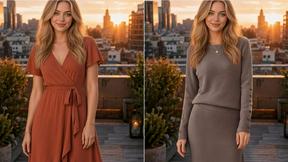
AI Clothes Changer
Free AI clothes changer online. Swap outfits and try on clothes from a photo in minutes — create a free account to start, no card required.
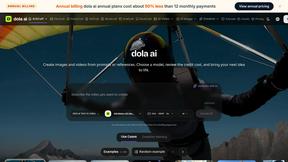
Dola AI
Freemium AI creative studio: generate images and videos, edit photos and films, compose 3D scenes, and work with docs, sheets, slides and PDFs.
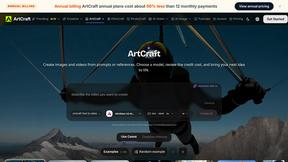
ArtCraft
Browser creative studio for images, video and 3D: compose, edit, stage scenes and organize references. AI generation uses credits.
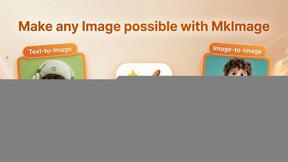
Dreamina AI
Make any images possible — generate, edit, and transform images with AI models like GPT Image and Gemini in seconds.
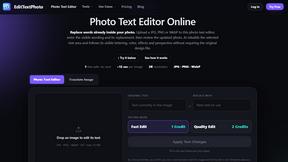
EditTextPhoto
AI-powered image text editor to edit, replace, fix, or translate text in images while preserving the original font, color, size, and style.
GenX
All-in-one AI workspace to generate images, videos, and audio with multiple leading AI models.
AiAgeFilter
Free AI age filter: upload an adult portrait, add 10-40 years, meet your older self. No app needed.
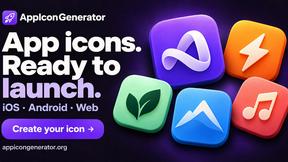
AppIconGenerator
Generate iOS and Android app icons from any image and export all platform sizes for free.
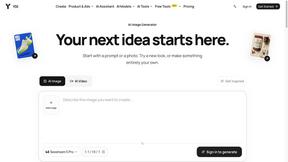
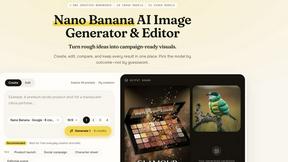
Nano AI
Create and edit AI images, generate videos, and compare models in one creative workbench.
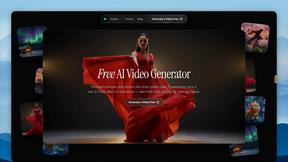
FreeVideoGenerator
FreeVideoGenerator is a free AI video generator that turns text prompts and photos into short video clips.
FreeCreate
Create AI images from text or reference photos and turn prompts or still images into short videos with FreeCreate. Start free—no account needed.
AIPetGen
AIPetGen turns a photo of your dog, cat, or other pet, or a written description, into a new picture or a short animation.

StyleCut
StyleCut is an AI hairstyle changer that lets you preview 70+ haircut ideas on your own photo before visiting the salon.
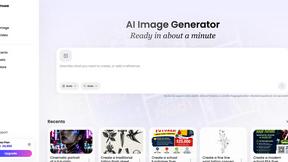
Vismuse
Create polished AI images and videos from prompts or references for social posts, ads, flyers, album covers, and campaigns.
Popular Alternatives in Image Generation
About Image Generation products
Image Generation tools use artificial intelligence to create visual content from text descriptions, sketches, reference images, and creative prompts. This category includes AI art generators, text-to-image platforms, style transfer tools, AI avatar creators, and product mockup generators that transform ideas into visual content.
Whether you are creating marketing visuals, generating concept art, producing social media graphics, building product mockups, or exploring creative AI art, these tools provide accessible image creation capabilities that were previously available only to skilled designers and illustrators.
Compare image generation tools by their output quality, style options, customization controls, generation speed, and pricing to find the right AI image creation solution for your visual content needs.
FAQs for Image Generation
What types of image generation tools are available?
This category includes text-to-image generators, AI art platforms, style transfer tools, AI avatar and portrait creators, product mockup generators, logo creators, and specialized image generation tools for marketing, social media, and creative projects.
How good is AI-generated image quality?
Modern AI image generators produce photorealistic and artistically compelling images that are suitable for many commercial and creative applications. Quality varies by tool and prompt, with the best tools delivering output comparable to professional design work.
Can I use AI-generated images commercially?
Licensing varies by tool. Many platforms grant commercial usage rights for generated images, but terms differ regarding exclusivity, attribution requirements, and specific use cases. Always check the licensing agreement for each tool.
Do I need design skills to use image generators?
No. Most image generation tools accept natural language descriptions and generate images automatically. Learning to write effective prompts improves results, but no traditional design skills are required to produce quality visual content.
How do I get better results from AI image generators?
Write detailed, specific prompts that describe style, composition, lighting, mood, and subject matter clearly. Experiment with different wording, use negative prompts to exclude unwanted elements, and iterate on results to refine your output.
What are the limitations of AI image generation?
Common limitations include inconsistent text rendering in images, difficulty with specific hand and finger details, challenges with exact brand reproduction, and potential style biases from training data. Results improve with each tool update.