
WidgIq
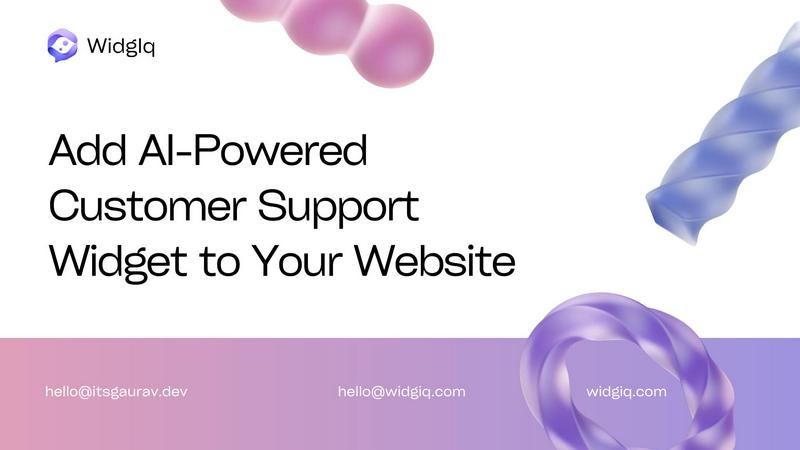
WidgIq is a website support widget that answers from your content, captures unanswered questions, and tracks what visitors ask.
VisitPublished on:
October 5, 2026
Pricing:
About WidgIq
For a small SaaS team, WidgIq offers a way to cover repeat support questions without installing a framework or rebuilding the site. Add its script tag, then provide source material by crawling pages, uploading files, or writing snippets. The assistant retrieves relevant content and streams its response; if it cannot resolve a query, the visitor can move to a contact form.
The dashboard gives teams a record of conversations, response feedback, request counts, and weekly analysis of visitor questions. That can make the widget useful both for first-line support and for spotting gaps in product explanations. Styling is configurable without a developer, and separate site projects keep each site's content and analytics distinct.
Teams should plan to maintain the knowledge base and check crawl coverage. Dynamic URLs may not be discovered automatically, so a sitemap or manual URL submission can help fill gaps. The development environment is also limited to test mode, where responses and contact submissions do not operate as they do on a verified deployed domain.
Features of WidgIq
- Embed through one script tag without an npm install or build step.
- Use crawled pages, file uploads, and custom snippets together as source material.
- Review full question history, feedback, daily and total request counts, and weekly analysis.
- Configure widget styling and manage multiple site projects separately.
Use Cases of WidgIq
- Deflect recurring questions about a SaaS product using its existing pages and documents.
- Find unclear product explanations by reviewing unanswered questions and negative feedback.
- Send bugs, complaints, or feature requests to a structured contact path.
- Run distinct assistants for multiple websites from one dashboard.
Frequently Asked Questions
Can I test the widget locally?
The documentation says the development environment uses test mode: the assistant does not respond, contact messages do not send, and customization is not shown. It becomes active on a verified deployed domain.
How can I address missing pages?
Review the crawled-page list, add a sitemap where possible, or submit specific URLs manually.
Can different sites use different content?
Yes. Each project has its own knowledge base, API key, and analytics.
Similar to WidgIq

Protocol Explorer
Explore 33 network protocols with animated packet exchanges, synchronized message tables, and byte-level header decoding for learners and engineers.
AI Sandbox Hunt
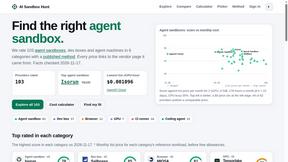
Discover agent sandboxes and related compute with sourced prices, workload estimates and transparent provider ratings.
Berth
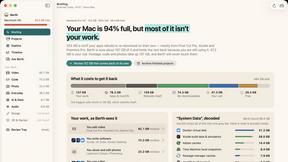
Berth explains Mac disk usage by tracing leftovers to the apps and projects that created them, with recovery costs shown before cleanup.
BuildItOmi
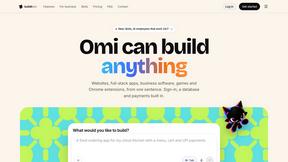
BuildItOmi offers four AI products, from app creation by prompt to terminal coding, team workspaces, and desktop AI SaaS building.
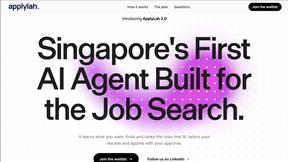
ApplyLah
ApplyLah is a Singapore-focused job search agent that finds and ranks roles, tailors resumes, and prepares applications for your approval.

InterviewAce
InterviewAce combines private on-screen interview prompts based on your experience with mock interview practice and feedback.
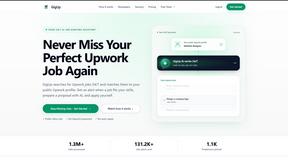
GigUp
GigUp helps freelancers assess Upwork opportunities with profile-based match scores, explanations, alerts, and editable proposal drafts.
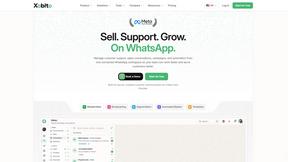
Xobito
Xobito gives growing teams a shared WhatsApp inbox, targeted broadcasts and automated replies in a single business messaging workspace.